How do I play a game in a tournament with arrangements?
I'll show here how to schedule a game, start a game and all that happens along the way. For clarity our point of view will use dark theme (user called test) and our opponent will use light theme (user called EEE). Some UI details might have changes since this was written.
1. First we have to select an appropriate cell in the round-robin table. Here we will choose to play against player EEE.
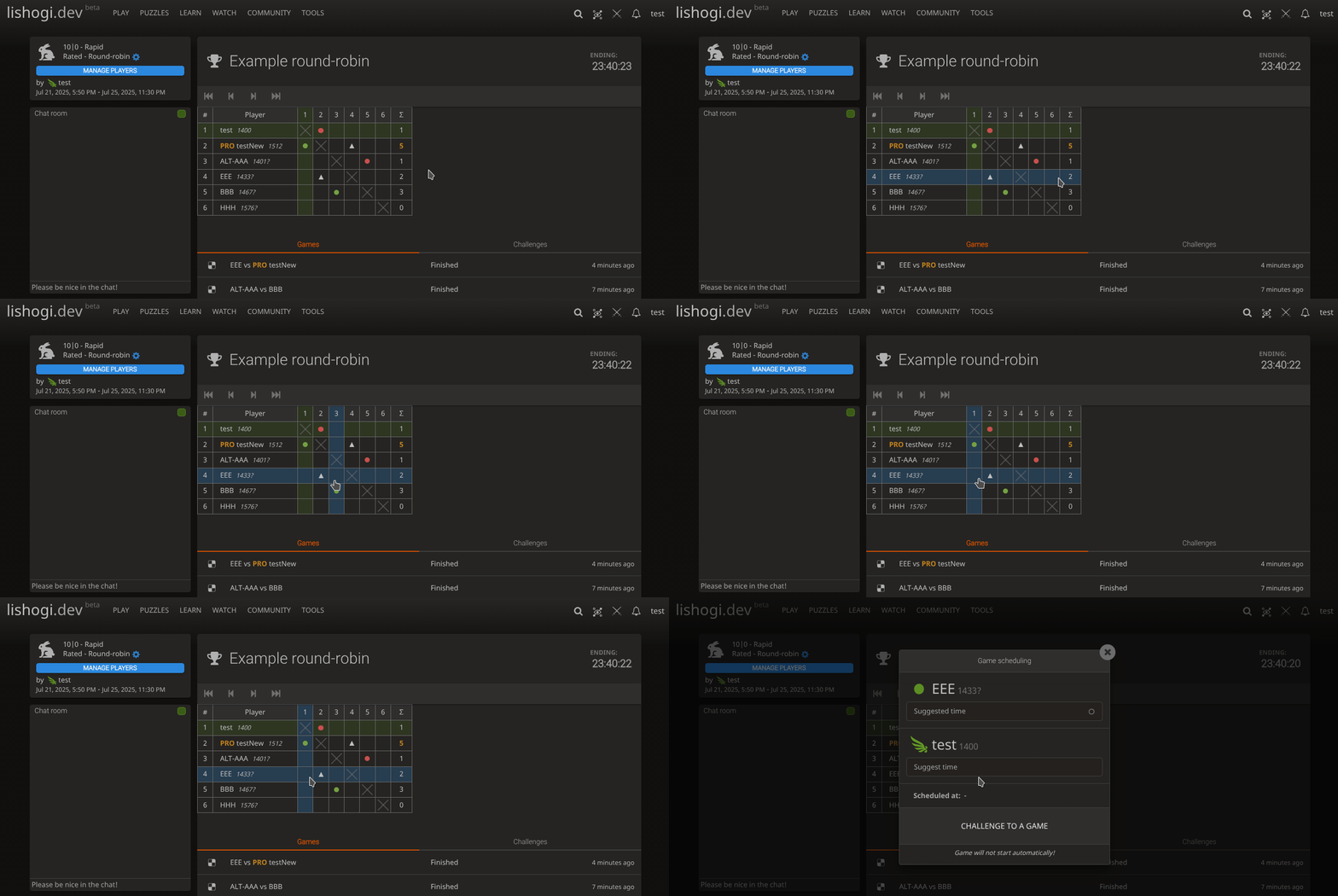
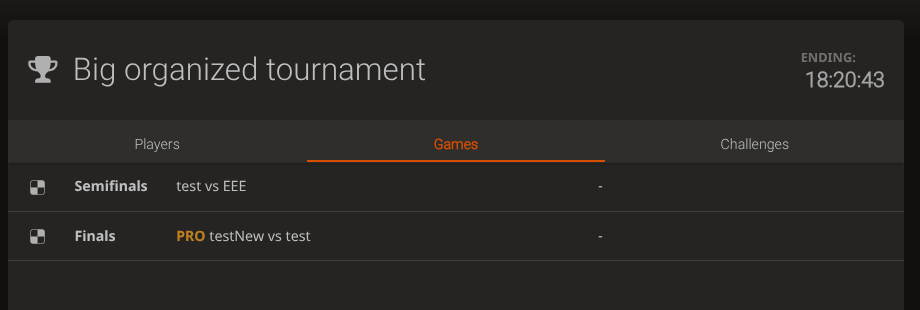
In organized tournaments you can only play games that were already created by the organizer. So to find a game go to 'Games' tab and click on the game you want.
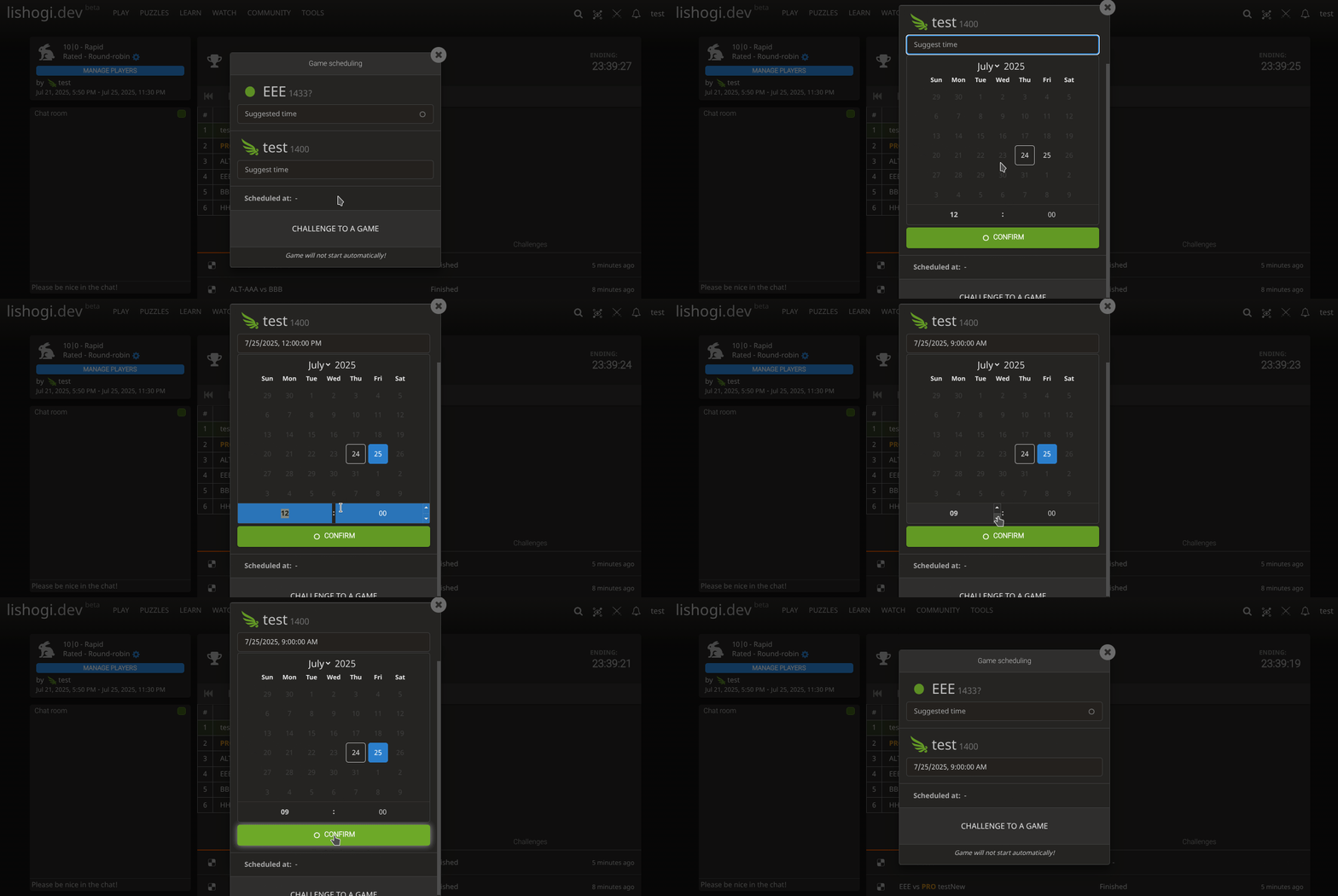
2. If we don't want to start the game immediately we can schedule it for later. This is solely to make it easier to keep track of what game you scheduled for when. The game will not start automatically and there are no penalties for not actually starting the game. This step can be completely skipped.
To schedule a game, simply click on the input field below you username and select a date. When you are done click 'Confirm'.
Your opponent will see this as an offer in 'Games' tab or in 'My arrangements page'. You can also message them to discuss this further.
Your opponent now has an option of accepting the suggested time or they can suggest different time.
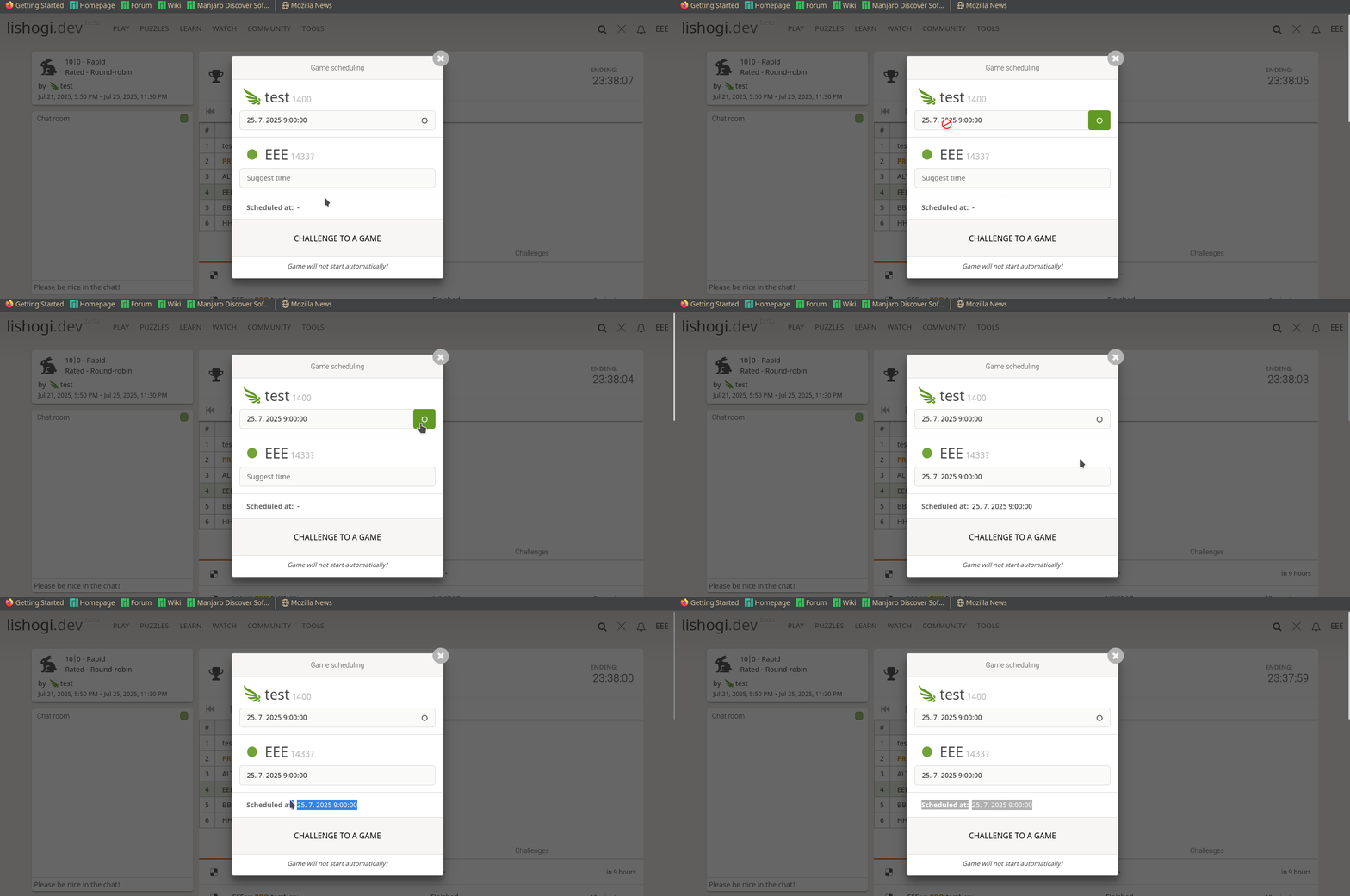
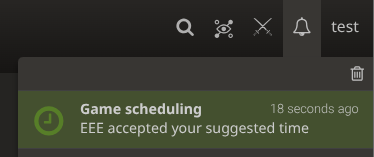
If they confirm, you will get a notification.
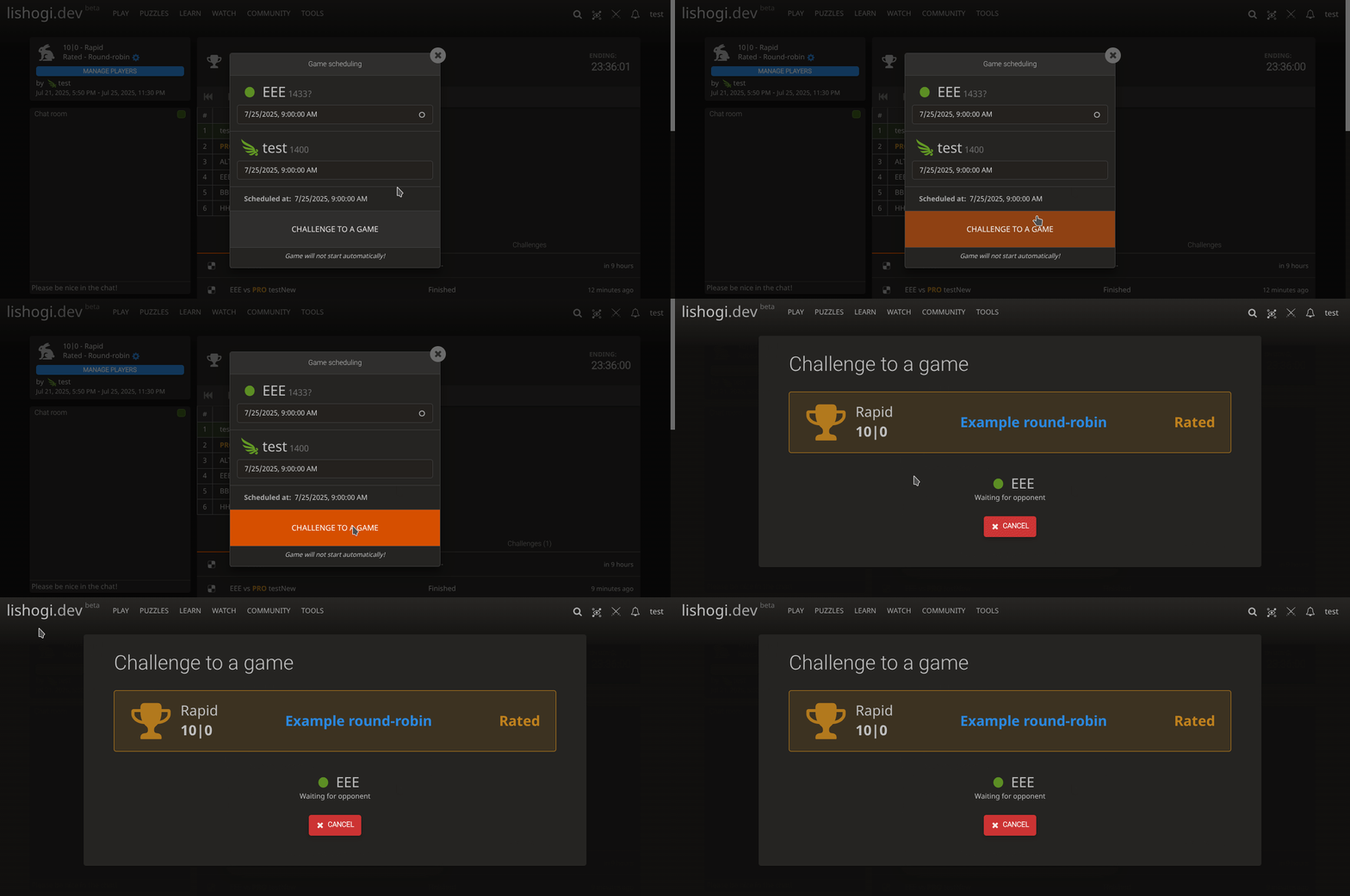
3. Once you wish to start a game, simply click 'Challenge to a game'.
This will send a challenge to your opponent and you will be redirected to challenge page.
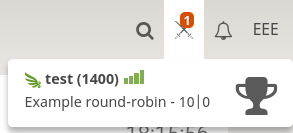
With correspondence tournaments, you can send many challenges and leave them and they will still be active. With real time challenges you must be active at the challenge tab for the game to start and you can issue only one challenge at a time.
4. Play the game!